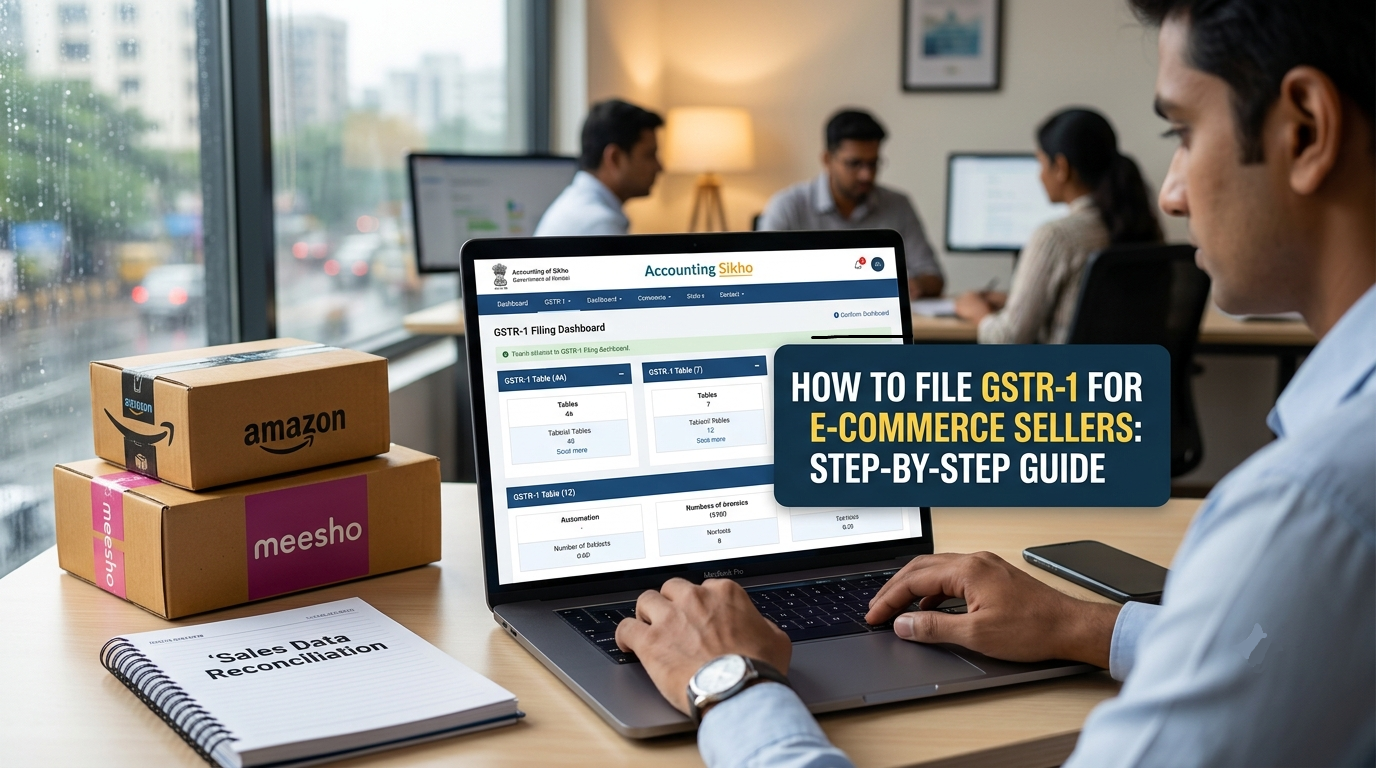
Running an e-commerce business on platforms like Amazon, Flipkart, or Meesho offers massive market reach across India. However, handling Goods and Services Tax (GST) compliance can quickly become complex due to high order volumes, frequent customer returns, and Tax Collected at Source (TCS) rules. For online sellers, filing accurate monthly or quarterly outward supply returns is a key legal requirement. Knowing how to file gstr-1 for e-commerce sellers correctly ensures your business remains fully compliant with GST Network (GSTN) guidelines while avoiding unnecessary penalties and mismatches.
At Accounting Sikho, we empower entrepreneurs, accountants, and GST practitioners with clear, practical knowledge to streamline complex financial workflows. This detailed guide walks you through every step of preparing and submitting your GSTR-1 return for marketplace sales.
Prerequisites Before Filing GSTR-1 for Online Sales
Before logging into the GST Portal, you must gather and organize sales data from each marketplace seller dashboard. Amazon, Meesho, and Flipkart generate specialized monthly tax reports designed specifically for GST return filing.
                +-------------------------------------------------------+
                |         DOWNLOAD MONTHLY MARKETPLACE REPORTS          |
                |  • Amazon: Merchant Tax Report (MTR) / B2C Summary    |
                |  • Meesho: Supplier Panel Order & GST Report          |
                +-------------------------------------------------------+
                                           |
                                           v
                +-------------------------------------------------------+
                |        DATA CONSOLIDATION & RECONCILIATION            |
                |  • Group State-wise B2C Net Taxable Sales             |
                |  • Separate B2B Invoices (with buyer GSTIN)           |
                |  • Deduct Sales Returns (Credit Notes)                |
                +-------------------------------------------------------+
                                           |
                                           v
                +-------------------------------------------------------+
                |             ACCOUNTING SIKHO FILING FLOW              |
                |  • Upload/Enter Table 4A (B2B) & Table 7 (B2C Others)  |
                |  • Enter HSN Summary (Table 12)                       |
                |  • Generate Summary, Verification via EVC/DSC          |
                +-------------------------------------------------------+
Essential Reports Required:
Amazon Merchant Tax Report (MTR): Downloaded from Amazon Seller Central > Reports > Tax Document Library.
Meesho GST Report: Downloaded from Meesho Supplier Panel > Returns & Orders > GST Reports.
TCS Credit Statements: Check GSTR-8 details filed by marketplaces to claim Tax Collected at Source in your electronic cash ledger.
Key Steps in How to File GSTR-1 for E-Commerce Sellers
Understanding how to file gstr-1 for e-commerce sellers requires correctly mapping your marketplace sales data into the specific tables on the GST Portal.
+-----------------------------------------------------------------------------------------+
|                          GSTR-1 TABLE MAPPING FOR E-COMMERCE                            |
+-----------------------------------------------------------------------------------------+
| GSTR-1 Table Section  | Transaction Type                     | Reporting Method         |
+-----------------------+--------------------------------------+--------------------------+
| Table 4A, 4B, 4C      | B2B Sales (Registered Buyers)        | Individual Invoices      |
| Table 7 (B2C Others)  | B2C Sales (Unregistered End-Users)   | State-wise Consolidated  |
| Table 9               | Credit Notes / Order Returns         | Invoice Level / Net B2C  |
| Table 12              | HSN-wise Summary of Outward Supplies | Consolidated HSN Quantities|
+-----------------------+--------------------------------------+--------------------------+
Step 1: Log in and Access Returns Dashboard
Go to the official GST Portal (
www.gst.gov.in) and log in using your seller credentials.Navigate to Services > Returns > Returns Dashboard.
Select the appropriate Financial Year and Return Filing Period (Month/Quarter).
Click on GSTR-1 (Details of outward supplies of goods or services).
Step 2: Report B2B Invoices (Table 4A, 4B, 4C)
If you sold products to registered businesses through Amazon or Meesho (where the buyer provided a valid GSTIN):
Open Table 4A, 4B, 4C – B2B Invoices.
Click Add Record and enter the buyer’s GSTIN, invoice date, invoice number, taxable value, and tax rate.
Save each invoice entry individually.
Step 3: Report B2C Sales (Table 7 – B2C Others)
The vast majority of sales on Amazon and Meesho are B2C transactions made to individual unregistered end-consumers. These are not entered individually; instead, they are reported as state-wise consolidated summaries.
Select Table 7 – B2C (Others).
Select the Place of Supply (POS) (Destination State of the customer).
Choose the Type as E-Commerce Operator (ECO) or general B2C depending on current portal utility options.
Enter the Net Taxable Value (Gross Sales minus Sales Returns).
Select the applicable Applicable Rate of Tax (e.g., 5%, 12%, 18%).
System-calculated IGST, CGST, and SGST amounts will appear based on state destination rules.
Repeat this for all states where orders were delivered during the month.
Step 4: Add HSN-Wise Summary (Table 12)
Reporting HSN codes is mandatory for all physical products sold online:
Open Table 12 – HSN-wise summary of outward supplies.
Enter your product HSN codes, description, total quantity sold, total taxable value, and tax breakdown.
Handling Sales Returns and Credit Notes for Amazon and Meesho
High return rates are a common reality in e-commerce. When learning how to file gstr-1 for e-commerce sellers, managing customer returns correctly is essential so you don’t overpay tax:
Netting Off in B2C (Table 7): If sales returns occur in the same month as sales, simply subtract the returned order value from the gross sales value for that state before entering figures in Table 7.
Negative Sales Values: If returns exceed sales for a particular state in a month, the net sales value can turn negative. The portal allows adjusting negative values against future months’ liabilities or filing separate amendments in Table 9.
B2B Credit Notes (Table 9B): For business-to-business returns, issue a formal Credit Note and record it under Table 9B referencing the original B2B invoice.
Why Accounting Sikho Recommends Automated Excel/Software Tools
For small businesses with under 50 orders a month, manual entry on the GST Portal is manageable. However, active sellers handling hundreds or thousands of orders on Amazon and Meesho can find manual data entry prone to errors.
+---------------------------------------------------------------------------------+
|                        MANUAL vs AUTOMATED GSTR-1 FILING                        |
+---------------------------------------------------------------------------------+
| Aspect                | Manual Entry (GST Portal)  | Accounting Sikho Software  |
+-----------------------+----------------------------+----------------------------+
| Processing Time       | 4–6 Hours                  | 10–15 Minutes              |
| Error Risk            | High (Typo in states)      | Minimal (Validated Scripts)|
| Multi-Channel Support | Manual Consolidation       | One-Click Consolidation    |
+---------------------------------------------------------------------------------+
At Accounting Sikho, we advise using software like Tally Prime, Zoho Books, or specialized GST offline utilities. These tools import raw Amazon MTR files and Meesho order spreadsheets, automatically grouping sales into state-wise summaries and generating a ready-to-upload JSON file.
Final Verification and Filing
Once all sections are completed:
Scroll down and click Generate GSTR-1 Summary.
Wait 2–3 minutes and refresh the page to view draft figures.
Cross-check total gross sales and tax liabilities against your accounting software books.
Tick the declaration checkbox and click Proceed to File / Submit.
Authenticate using EVC (OTP sent to registered mobile/email) or DSC (Digital Signature Certificate).
Upon successful verification, an ARN (Application Reference Number) will be generated, confirming completion.
Frequently Asked Questions (FAQs)
What is the deadline to file GSTR-1 for e-commerce sellers?
For monthly filers, the deadline is the 11th of the following month. For sellers registered under the QRMP (Quarterly Return Monthly Payment) scheme, GSTR-1 is filed quarterly by the 13th of the month following the quarter.
Is GST registration mandatory for selling on Amazon and Meesho?
Yes, GST registration is mandatory for selling goods through e-commerce operators, regardless of your annual turnover, under Section 24 of the CGST Act.
How do I report Meesho sales where no invoice is issued to registered buyers?
Meesho sales are predominantly B2C. You should group all net sales state-wise based on the delivery location and report them under Table 7 (B2C Others) of GSTR-1.
Can I revise GSTR-1 after filing if I made a mistake in Amazon sales data?
No, GSTR-1 cannot be revised once submitted. However, any errors or omitted invoices can be corrected in subsequent months’ GSTR-1 filings using Table 9 (Amendments).
Master Practical Accounting with Accounting Sikho
Filing tax returns doesn’t have to be confusing! Explore more step-by-step accounting guides, GST tutorials, and practical tax software workflows at Accounting Sikho.